在visual studio中使用pthread.h并非易事,但通过一些特定的步骤可以实现。
安装mingw
首先,需要安装mingw(minimalist gnu for windows)。它提供了gcc编译器以及pthread库等工具。访问mingw官网,下载适合你系统的安装包,按照安装向导进行安装,注意在安装过程中选择要安装的组件,确保包含pthreads选项。
配置项目属性
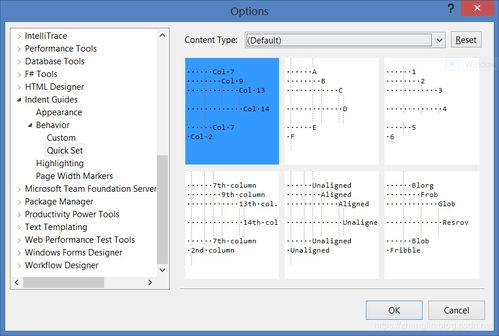
打开visual studio项目,右键点击项目名称,选择“属性”。在“vc++目录”下,找到“包含目录”,添加mingw安装路径下的include文件夹路径,例如c:⁄mingw⁄include。再到“库目录”添加mingw安装路径下的lib文件夹路径,如c:⁄mingw⁄lib。
链接库
在“链接器” -> “输入” -> “附加依赖项”中,添加pthread.lib。
编写代码示例
以下是一个简单的示例代码:
```cpp
include
include
void* threadfunction(void* arg) {
std::cout << "this is a new thread." << std::endl;
pthread_exit(null);
}
int main() {
pthread_t thread;
int result = pthread_create(&thread, null, threadfunction, null);
if (result != 0) {
std::cerr << "thread creation failed." << std::endl;
return 1;
}
std::cout << "waiting for thread to finish..." << std::endl;
pthread_join(thread, null);
std::cout << "thread has finished." << std::endl;
return 0;
}
```
编译并运行此代码,你将看到新线程的输出。
通过以上步骤,就可以在visual studio中成功使用pthread.h库来实现多线程编程,利用其强大的线程管理功能来构建更高效的程序。